
Start With the Cut Face, Not the Guessing
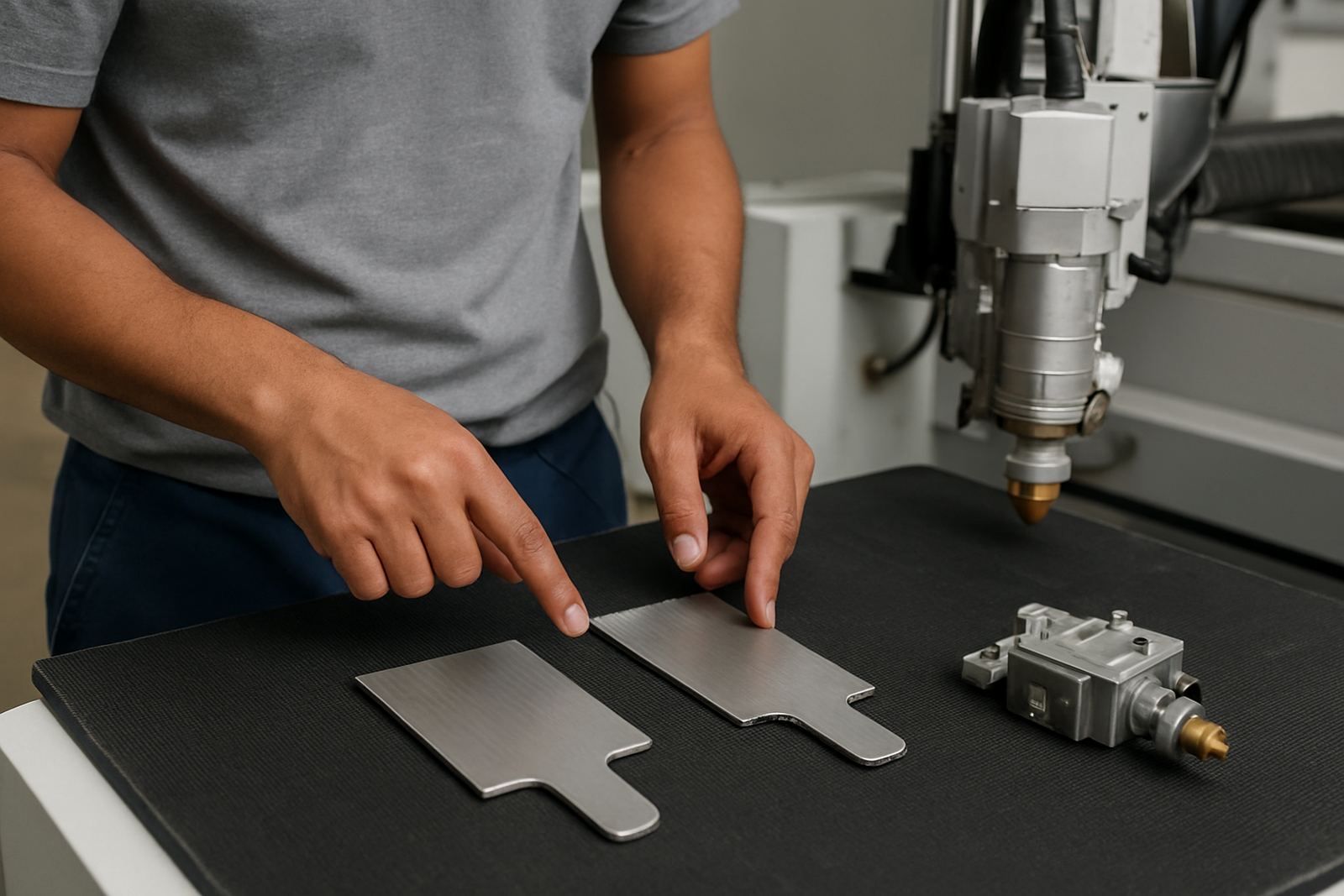
Before changing settings, look closely at the cut edge and note where the problem starts. Burr on the bottom edge usually points to assist gas, focus or speed. Rough, sandy edges often suggest dirty optics, worn nozzles or poor beam alignment. If pierces are inconsistent, the issue may be pressure, gas purity, lens condition or a cutting head that has taken a knock.
Use the same test piece each time. Mild steel, stainless steel and aluminium all react differently, so compare like with like. Keep a record of material thickness, gas type, nozzle size, focus position and feed rate. That way you can spot a pattern instead of chasing settings one by one.
- Check whether the fault is across the full sheet or only one corner
- Look for splashback, soot or heat tint around the cut path
- Note if the problem gets worse after a head collision or nozzle change
- Confirm whether the issue appears on straight cuts, corners, holes or all three
Burr and Dross: The Usual Causes
Burr and dross normally mean the molten material is not being blown clear. On fibre machines this can happen when the nozzle is worn, the stand-off is wrong, or assist gas pressure has dropped. On CO2 systems, dirty lenses, poor beam focus and unstable gas delivery can give the same result. If the machine has been running through load-shedding starts and stops, check for heat soak and shifted alignment too.
Do not over-correct by chasing very high gas pressure. Too much pressure can widen the kerf, leave edge striations and make the cut rougher. Start with the machine settings recommended for that material and then adjust in small steps. If you see heavy dross on the underside, the cut speed may be too slow or the focus may be sitting too high.
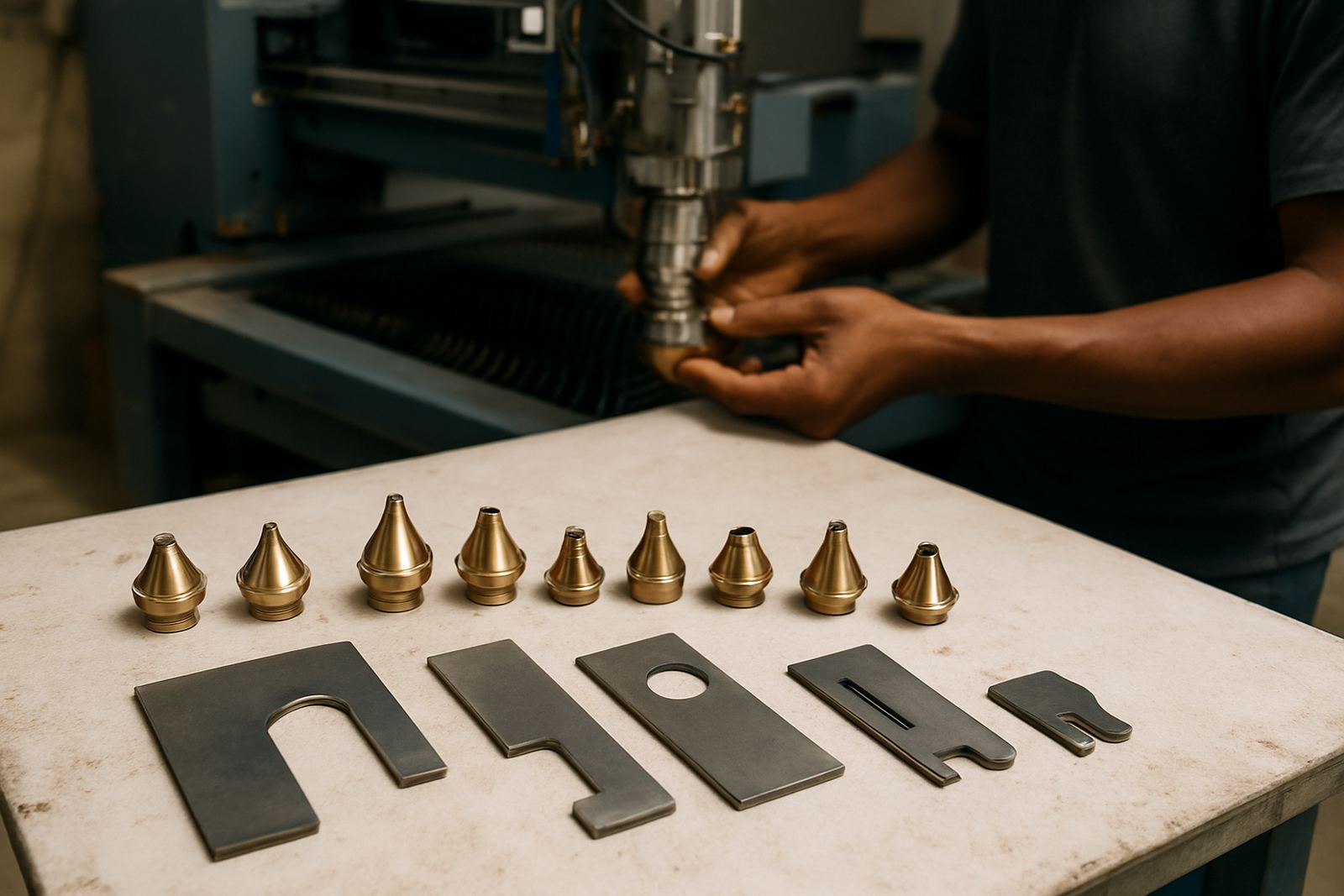
- Inspect nozzle wear and replace if the orifice is no longer round
- Check the nozzle centring against the beam path
- Confirm the gas is dry and the line pressure is stable
- Test a slower and faster cut to see which direction improves the edge
Rough Edges and Striations on the Cut Wall
Rough cut walls usually come from beam quality, focus drift or a head that is not running square to the plate. If the cut face shows regular vertical lines, the machine may be cutting too fast for the thickness or the focal point may be off. When the top edge is clean but the lower edge is rough, the issue is often a worn nozzle, dirty protective window or incorrect standoff height.
Workshop dust, humidity on the coast and fine metallic particles can all affect consistency. Keep the cutting head, lens stack and sensor area clean. A dirty window can steal power, even when the machine still seems to be cutting normally. In many cases the difference between a fair edge and a good one is only a small setting change, but the machine must be in proper condition first.
- Check head alignment after any crash or tip strike
- Clean the protective window and inspect it under light for pits
- Look for oil mist, slag dust or smoke residue inside the head
- Run a test cut after each single change so you know what helped
Poor Piercing: Why the Hole Never Settles
Poor piercing is often blamed on power, but the cause can be mechanical or pneumatic. If the pierce sprays material, takes too long or leaves a raised lump, check the nozzle, lens condition and gas delay. A delayed gas pulse can let molten metal sit in the hole and damage the edge before the cut starts. On thick plate, a weak pierce can also be a sign that the machine needs a clean gas path or a closer look at the head optics.
For workshops working long shifts, especially with mixed material runs, keep a note of which sheets pierce well and which ones do not. If only one batch struggles, the material may have coating, mill scale or thickness variation. If every batch struggles, look at the machine. A proper bench pressure test can save a lot of time and false guesses.
- Watch the pierce from a safe distance and listen for a steady gas pulse
- Check whether the pierce mark is centred or drifting
- Inspect the lens and window for heat marks or contamination
- Compare pierce time before and after a nozzle or sensor ring change
A Simple Workshop Checklist Before You Call for Repair
Before a repair visit, gather the basics. It helps the technician get to the fault quicker and it keeps your production moving. Make sure you know the material type, sheet thickness, gas used, and whether the fault is new or has been getting worse over time. If the machine has had a collision, do not keep running it just to finish the stack. That can turn a small head issue into a bigger repair.
Use this quick checklist on the floor:
- Confirm the problem area on the sheet and take a sample cut if possible
- Check nozzle condition, centring and stand-off
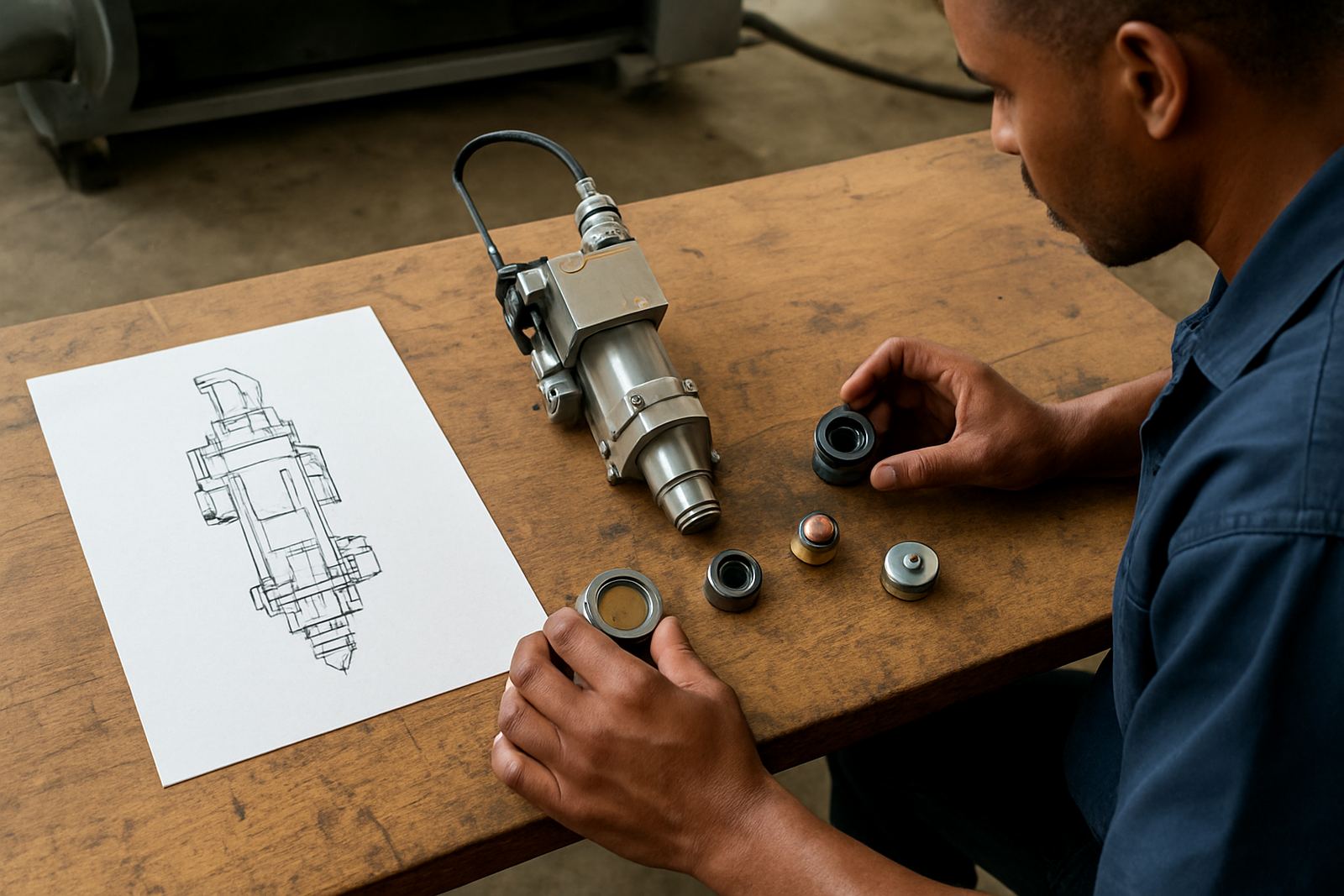
- Inspect the lens, protective window and ceramic holder
- Verify gas pressure, dryness and line stability
- Record any alarms, sensor faults or unusual noises
- Note recent maintenance, crash events or power interruptions
If the same fault shows on different jobs, the machine needs more than a setting tweak. That is when strip and inspection, internal cleaning, head alignment check or collision damage repair becomes the right next step.
When the Head Needs Proper Service, Not Just a Setting Change
If the edge quality changes from one shift to the next, or if piercing gets worse after a knock, the cutting head may need bench work. Worn nozzle seats, damaged sensor rings, cracked windows and out-of-square alignment all affect cut quality. You can sometimes mask the symptoms for a day, but the fault will return and downtime gets longer.
For South African workshops, the goal is practical uptime. That means getting the head checked, the worn parts replaced, and the machine back to work without unnecessary delay. Whether the cutter is in Boksburg, Johannesburg, Pretoria, Vanderbijlpark, Durban or Cape Town, a proper service plan should cover diagnosis, parts supply and return to service testing so you know the machine is ready for production. A quick repair done properly is worth alot more than repeated resets.
If your cut quality has dropped and the usual setting changes are not helping, the issue is probably physical. At that point, it is better to stop chasing the parameter sheet and inspect the machine properly.