
Start With the Fault Summary and Machine Details
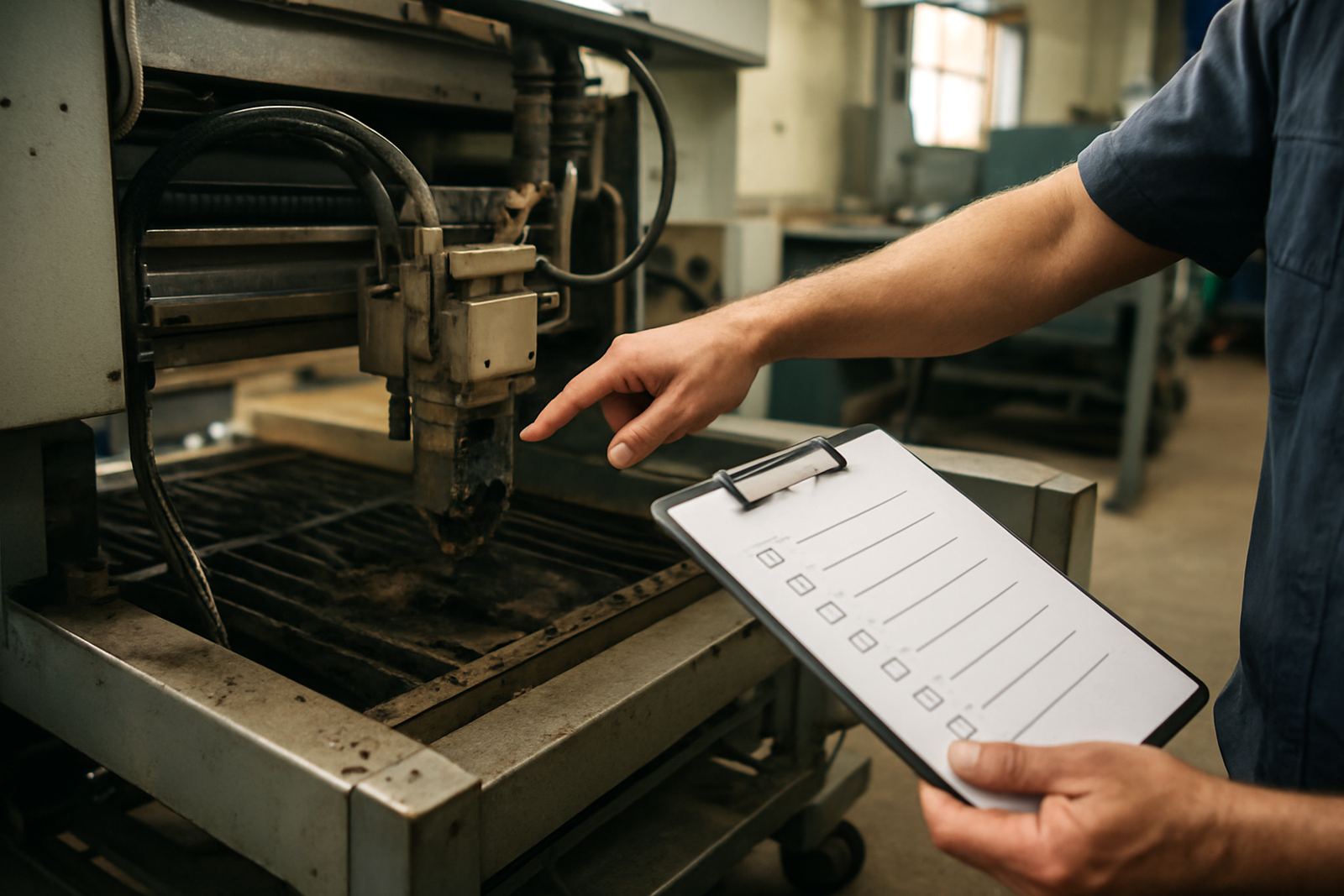
Begin at the top of the report and confirm the machine model, cutting head type, serial details and the fault reported by the operator. This matters because a fibre head with a bent nozzle seat will not behave the same as a CO2 system with a contaminated optical path, even if both show poor cut quality.
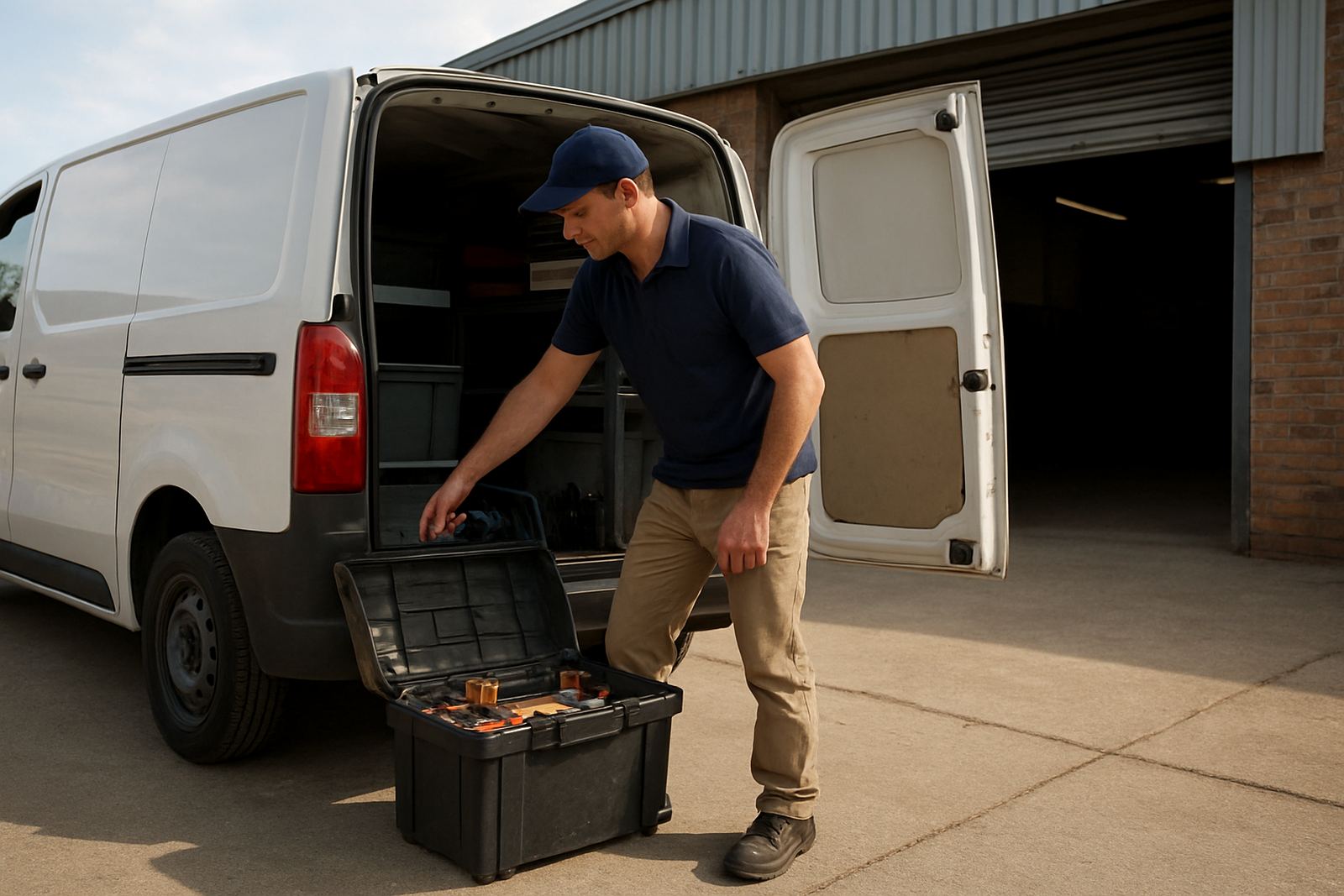
Check that the service report matches the symptoms seen on the floor: poor pierce, dross, burn marks, random cut failure, head alarms or visible collision damage. If the note says the machine arrived from Boksburg, Johannesburg or Pretoria for bench work, make sure the symptoms listed are the same ones your team saw before stripping started.
Read the Inspection Findings Before You Look at Parts
The inspection section tells you whether the issue came from wear, contamination, misalignment or impact. A proper report should separate simple cleaning from damage that affects performance, because not every poor cut means the whole head must be replaced.
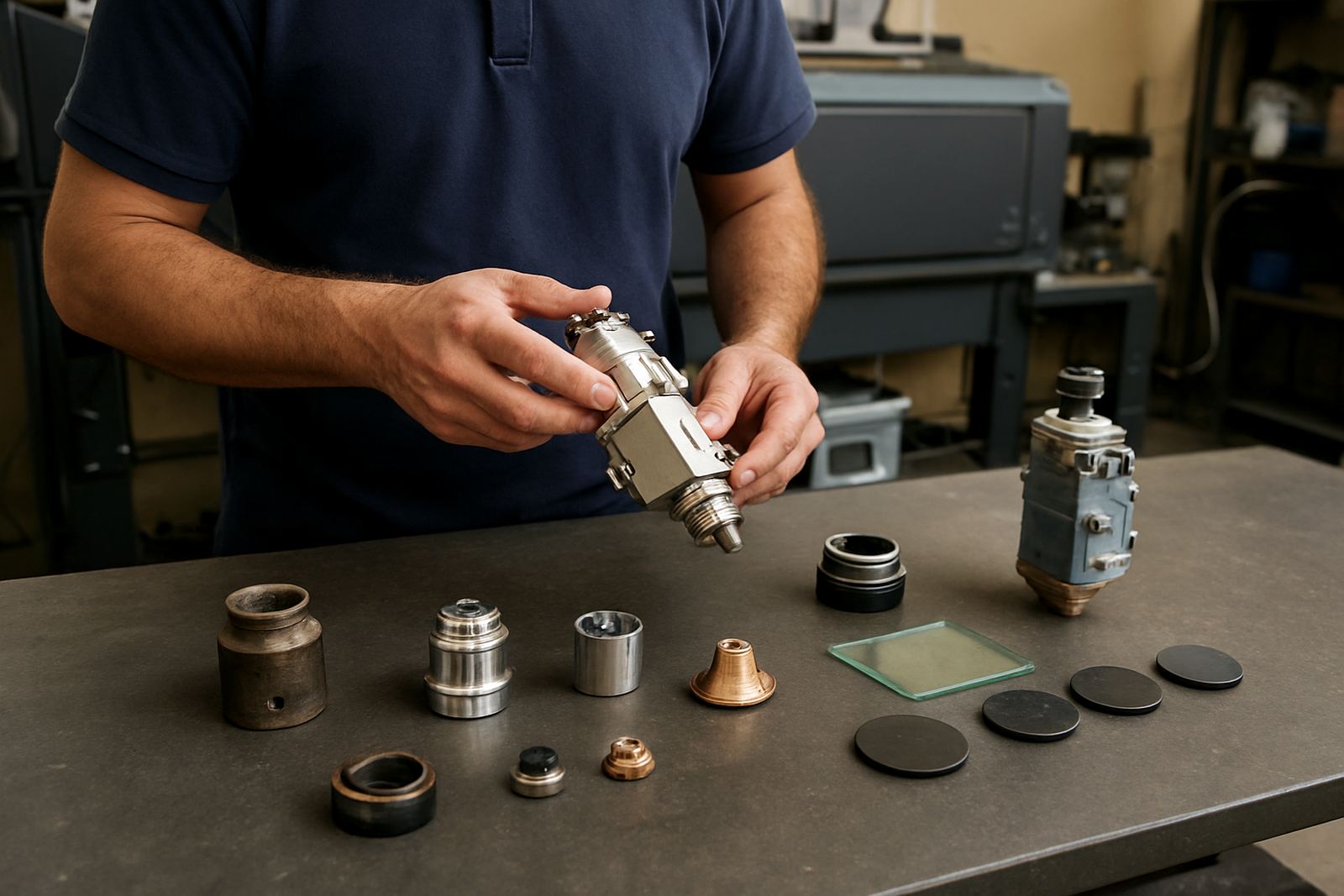
- Look for notes on lens condition, nozzle wear and protective window contamination.
- Check whether the ceramic holder, sensor ring or internal seals show heat damage.
- Read the gas path notes for leaks, carbon build up or pressure loss.
- Confirm if the head alignment check passed or if further setting is needed.
If the technician recommends a bench pressure test or return to service test, that usually means the fault was not only visible on the outside. It is worth paying attention to those results, because hidden air leaks or warped internal parts can cause repeat downtime after a quick fix.
Understand What Was Replaced and Why
The parts list should show what was replaced and why it was changed. In a workshop setting, that could be a nozzle, lens, protective window, sensor ring, ceramic holder or other wear item. A good report explains whether the part was damaged in a collision, affected by heat or simply past service life.
Do not treat every replacement as a surprise. On a busy fabrication line, consumables can go quickly, especially where load-shedding starts and stops the machine more often or where dust and humidity push contamination into the head. If the report shows repeated window changes or nozzle seat work, the machine may need better housekeeping around the cutting table.
- Check part names and quantities against the service invoice.
- Ask whether old parts were kept for inspection if needed.
- Note if the replacement was a temporary return-to-production fix or a full repair.
Use the Test Results to Judge Cutting Performance
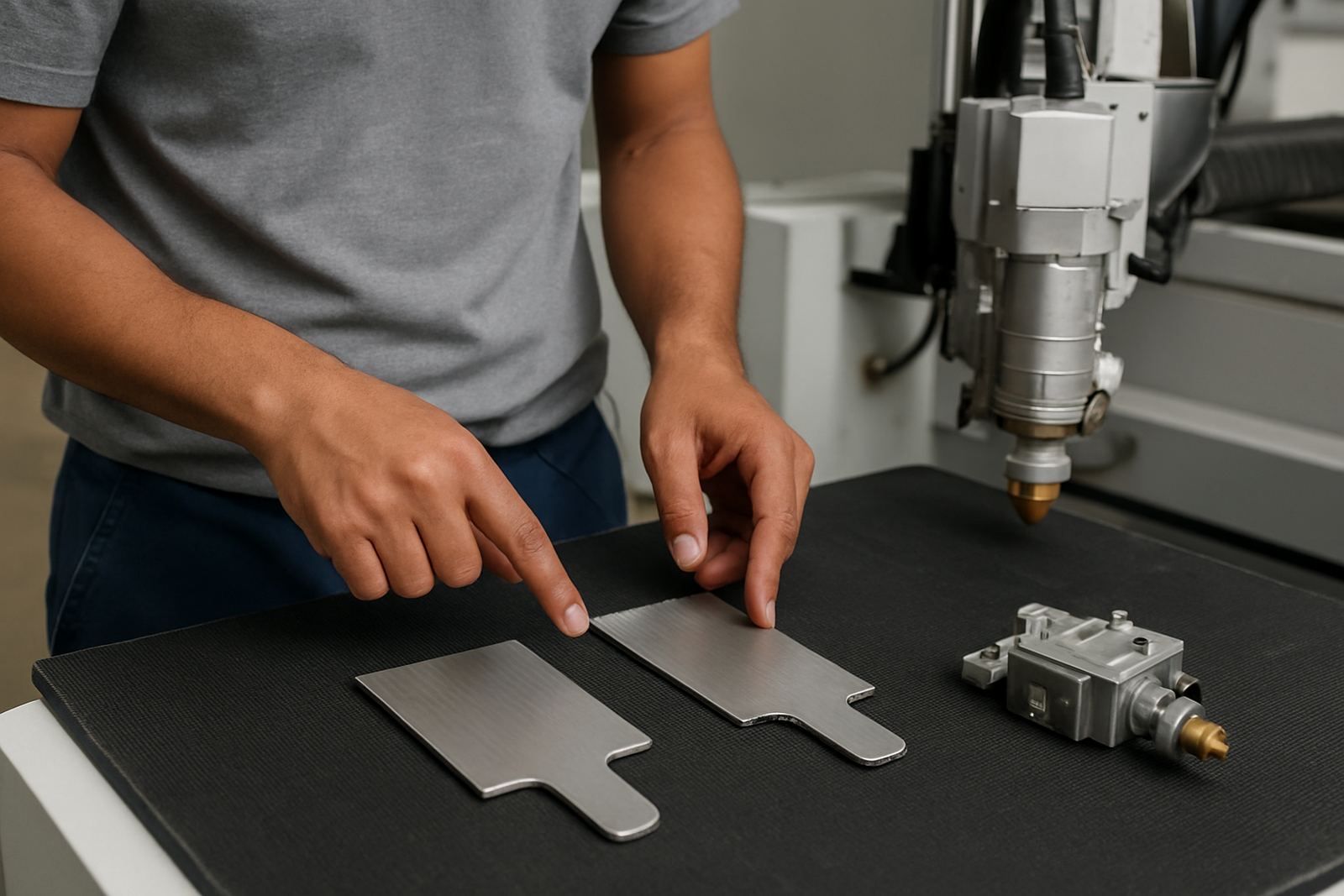
Test results are where the report becomes useful for production planning. Bench pressure test results, alignment checks and return to service tests show whether the head is ready to cut or still needs adjustment. If the report records stable pressure and clean beam delivery, the machine is usually in a better state than one that only had a visual clean.
Pay attention to any note that says performance improved but not fully restored. That can mean the machine is safe to run, but the cut quality may still drift on thicker plate, mild steel or reflective material. In that case the report is not a green light to forget the fault, it is a guide for close monitoring over the next shift or two.
Follow the Recommendations in the Order Given
Recommendations should be practical and time based. The best reports tell you what to do now, what to monitor and what can wait. If the technician advises a follow up alignment check, gas path service or further strip and inspection after a short run period, take that seriously before the same fault returns.
When a repair is done on site in Durban, Cape Town or Vanderbijlpark the recommendation may include a second visit if the machine is still settling after restart. That is normal for heads that have taken a knock or have been opened for internal cleaning, and it is better to plan for it than lose another shift later.
- Action now: return to service, replace worn parts, confirm safe operation.
- Action soon: monitor cut quality, nozzle condition and head alarms.
- Action later: schedule preventive service before the next busy run.
Keep a Simple Service Record for the Shop Floor
Keep every report with the machine log, whether the job was done at the Boksburg base or on site in Kempton Park, Germiston or further afield. Over time the reports will show patterns, such as repeated nozzle seat wear, window contamination or collisions on one shift. That helps managers decide whether the issue is operator handling, maintenance timing or a process problem upstream.
A clear record also helps when you order parts later or compare one repair to the next. If the same head keeps coming back for the same fault, the report trail gives you a solid starting point instead of guesswork, and that saves money on downtime.