
Why cabinet dust causes more trouble than people expect
Dust in an electrical cabinet settles on drives, contactors, terminals and cooling fans. That layer acts like insulation, so heat builds up faster and components work harder than they should. On fibre and CO2 systems, that extra heat can show up as random alarms, weak cooling, unstable motion and shortened part life.
In many workshops the cabinet is opened only when something fails, but by then the problem has usually been building for weeks. Fine dust from cutting, deburring and nearby prep work finds its way in through fan grills, cable entries and door seals. Once it gets inside, it clings to warm surfaces and collects in corners around the drives and power units.
The result is simple: a cabinet that should stay cool and clean starts running warm, then hot, and the machine begins to fault for reasons that seem unrelated.
How dust shows up on the machine before a breakdown
There are usually warning signs before a full stop. Operators may notice the cabinet fan sounding louder, the machine taking longer to start, or error messages appearing after a longer cut cycle. Sometimes the cutter still runs, but quality shifts and the fault appears only when production load increases.
- Drives running hotter than normal after 20 to 30 minutes of cutting
- Intermittent machine stops after doors are opened or closed
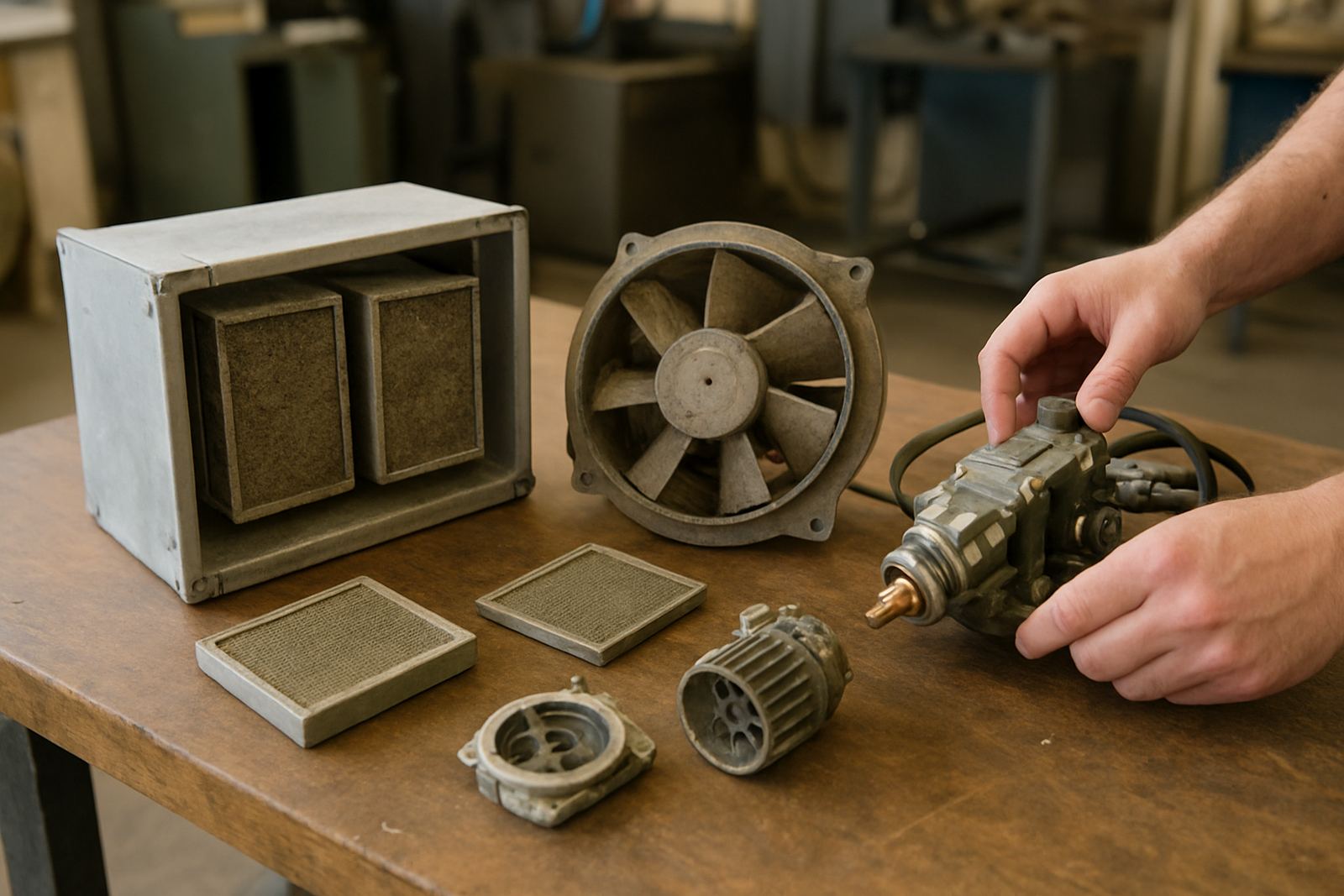
- Cooling fans packed with grey dust and fluff
- Burn marks or a stale smell inside the cabinet
- Loose or dirty terminals that start tripping under vibration
In a dusty environment, these small signs are worth attention. A machine can carry on for a while, but the hidden cost is that every extra day of heat and contamination increases the chance of a sudden stop during an urgent job.
Drives, cooling and the fault chain that follows
Drives are often the first parts affected because they dislike heat and dirt. When dust settles on heatsinks and around ventilation paths, the drive cannot shed heat properly. That raises operating temperature and can trigger overloads, internal faults or unstable output to the motor.
Cooling systems suffer too. A clogged fan or blocked filter reduces airflow, and if the cabinet is already warm from summer conditions in Gauteng or a humid coastal site in Durban, the temperature climbs even faster. On some machines, that extra heat affects the whole control side and not only one component.
Dust can also create tracking paths across contaminated boards and terminals. In dry conditions it may just cause nuisance faults, but once moisture enters the picture, especially after coastal humidity or a summer thunderstorm, contamination can become conductive. That is when a workshop sees faults that appear random and difficult to trace.
A Boksburg example from a busy fabrication shop
A practical example comes from a fabrication shop in Boksburg running long shifts on a fibre laser during a busy week of signage and plate work. The machine began stopping late in the afternoon, mostly after the cabinet warmed up. Operators first suspected the cutting head, then the chiller, then the power supply, but the fault kept returning.
On inspection, the cabinet had a fine layer of metallic dust from nearby preparation work. The drive fans were coated, the lower cabinet corners held packed debris, and the cable entry points had not been checked for some time. After cleaning, checking the cooling path and testing the machine under load, the fault was traced back to heat build-up inside the cabinet, not to the cutting head itself.
It was a simple issue with a costly effect. One missed cleaning cycle and one neglected seal can push a productive machine into repeated stoppages, which is expensive when the day rate depends on cutting output.
What good cabinet care should include in South African workshops
Cabinet care does not need to be complicated, but it does need to be regular. In workshops where dust is part of daily work, a monthly visual check is usually not enough. The best approach is to match cleaning to the amount of cutting, grinding and air movement around the machine.
- Inspect cabinet filters and fan grills on a set schedule
- Check door seals and cable entry points for gaps
- Remove loose dust before it packs into corners or heatsinks
- Look for signs of heat discolouration on terminals and drives
- Keep the cabinet closed when the machine is not being serviced
It also helps to keep the machine away from direct grinding dust where possible. Even a small change in layout can reduce the amount of contamination pulled into the cabinet. In premises with municipal noise, dust or workshop compliance rules, this kind of housekeeping also supports safer day-to-day operation.
When to bring in proper diagnosis instead of guessing
If a machine is tripping repeatedly, running hotter, or showing faults that come and go, it is worth having the cabinet inspected properly. A quick clean may solve the immediate problem, but if a drive is already heat-stressed or a fan has weakened, the fault will return.
At that point, diagnosis should include the cabinet condition, airflow, terminal condition, cooling path and any signs of contamination on the control side. On fibre and CO2 systems alike, the aim is not only to clear the fault but to restore reliable running so production downtime stays short.
For workshops in Johannesburg, Pretoria, Vanderbijlpark, Durban, Cape Town and the surrounding areas, timely inspection can make the difference between a same-day recovery and a lost order. Dust may be common, but cabinet faults do not have to become routine.