
Why alarm notes matter when production stops
When a fibre or CO2 laser trips, the screen message is only part of the story. A technician still needs the time, job type, material thickness, assist gas, head condition and what happened just before the alarm. Without that detail, a visit often starts with guesswork and the machine stays idle longer than it should.
At Laser Ray Tools in Boksburg, we see this every week from workshops in Ekurhuleni, Johannesburg, Pretoria and further afield. A clear alarm record helps us decide if the fault points to a nozzle seat, a cracked window, a dirty lens, a sensor ring issue or a collision inside the cutting head. That means the right parts and tools can go out with the first visit, instead of two or three return trips.
What to write down the moment the alarm appears
The best alarm note is simple, timed and factual. Do not wait until the shift ends, because small details disappear fast, especially on a busy shop floor where operators are moving between jobs and the pressure is on to get parts out. A note taken straight away usually tells a better story than a memory written later.
- Exact alarm text or code shown on the screen
- Time the alarm started and how often it repeats
- Material type, thickness and job number
- Cutting head height, nozzle size and gas used
- Any recent collision, loud sound, smoke or poor cut edge
- Whether the fault clears after reset or returns at once
If the machine still cuts, note whether it is leaving dross, taper or pierce marks. That kind of detail often points to nozzle wear, lens contamination or a head alignment issue before the unit fully stops. It saves a lot of back and forth and helps us arrive with a clearer plan.
The alarm clues that point to head wear or contamination
Some alarms are electrical, but many start with plain mechanical wear. A machine that has been running long shifts in a warm workshop or near fine dust can build up contamination in the gas path, window holder or sensor area. Coastal humidity in places like Durban can also affect sensitive parts if the machine room is not kept dry and clean.
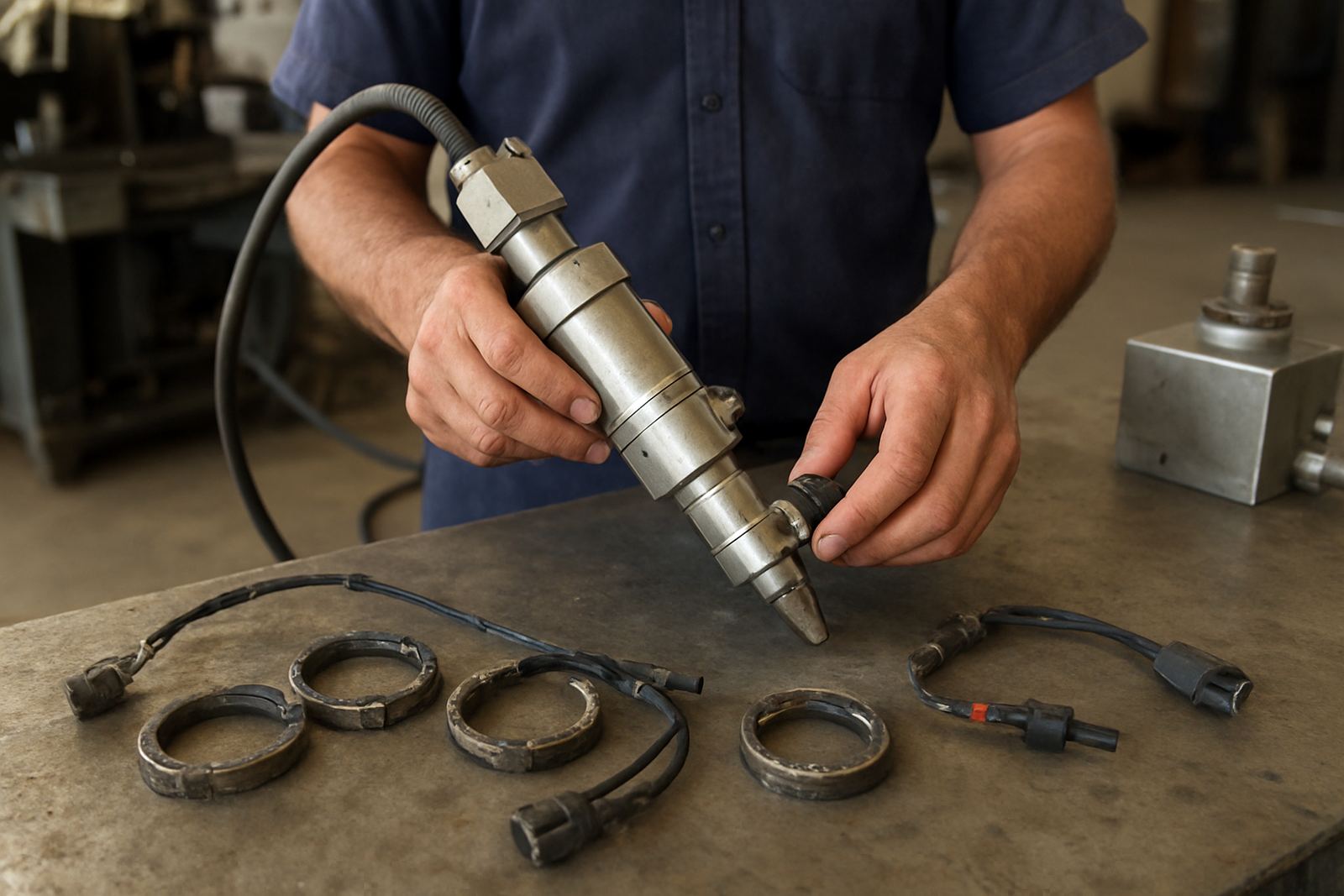
Look out for repeat alarms after a head crash, a weak pierce, or a sudden change in cut quality. If the head was bumped, the lens may still be in place but the alignment can be off by a small amount, enough to trigger poor focus, unstable pressure readings or protective window damage. We often find that what looks like a major fault is really a worn nozzle seat or a damaged ceramic holder, not the whole head.
- Frequent reset alarms can point to an unstable sensor or dirty internal parts
- Piercing faults often link back to nozzle condition or gas flow
- Cutting that worsens through the shift may mean heat build-up or contamination
- A visible burn mark on the window usually calls for immediate inspection
How accurate records speed up bench and on-site repair
When a machine arrives at our bench in Boksburg or a technician heads out to a site in Vanderbijlpark, Germiston or Kempton Park, the alarm record shapes the first test. If we know the fault began after a collision, we can strip and inspect the head, check the internal surfaces, test pressure and replace worn parts in the right order. If the alarm appears only under load, we can focus on gas path performance and alignment rather than changing parts blindly.
This matters for job shops and fabricators that work to tight delivery dates. A signage plant that loses one day of cutting can miss sign assembly, powder coating slots and dispatch. A metal fabricator waiting on machine uptime may have welders standing around and a truck booking wasted. Good notes reduce that chain reaction, and they help keep the repair focused on the real fault instead of chasing one symptom after another.
A local example from a busy Ekurhuleni workshop
A Boksburg fabricator recently called after a fibre laser kept stopping with the same alarm during 6 mm mild steel work. The operator had written down the code, the exact time, the nozzle size and the fact that the machine had clipped a lifted sheet earlier in the shift. That small note changed the whole job. Instead of spending hours on general checks, we went straight to the cutting head, found a worn nozzle seat and a damaged protective window, then completed the bench test and return to service test the same day.
If the team had only said, “machine keeps tripping”, the diagnosis would have taken longer. A clear record meant less downtime, fewer parts changed and a cleaner handover back to production. It is simple admin really, but it has real value when a workshop is trying to finish an order before end of day. Nothing fancy, just accurate information and quick action.
A simple alarm log that works in any shop
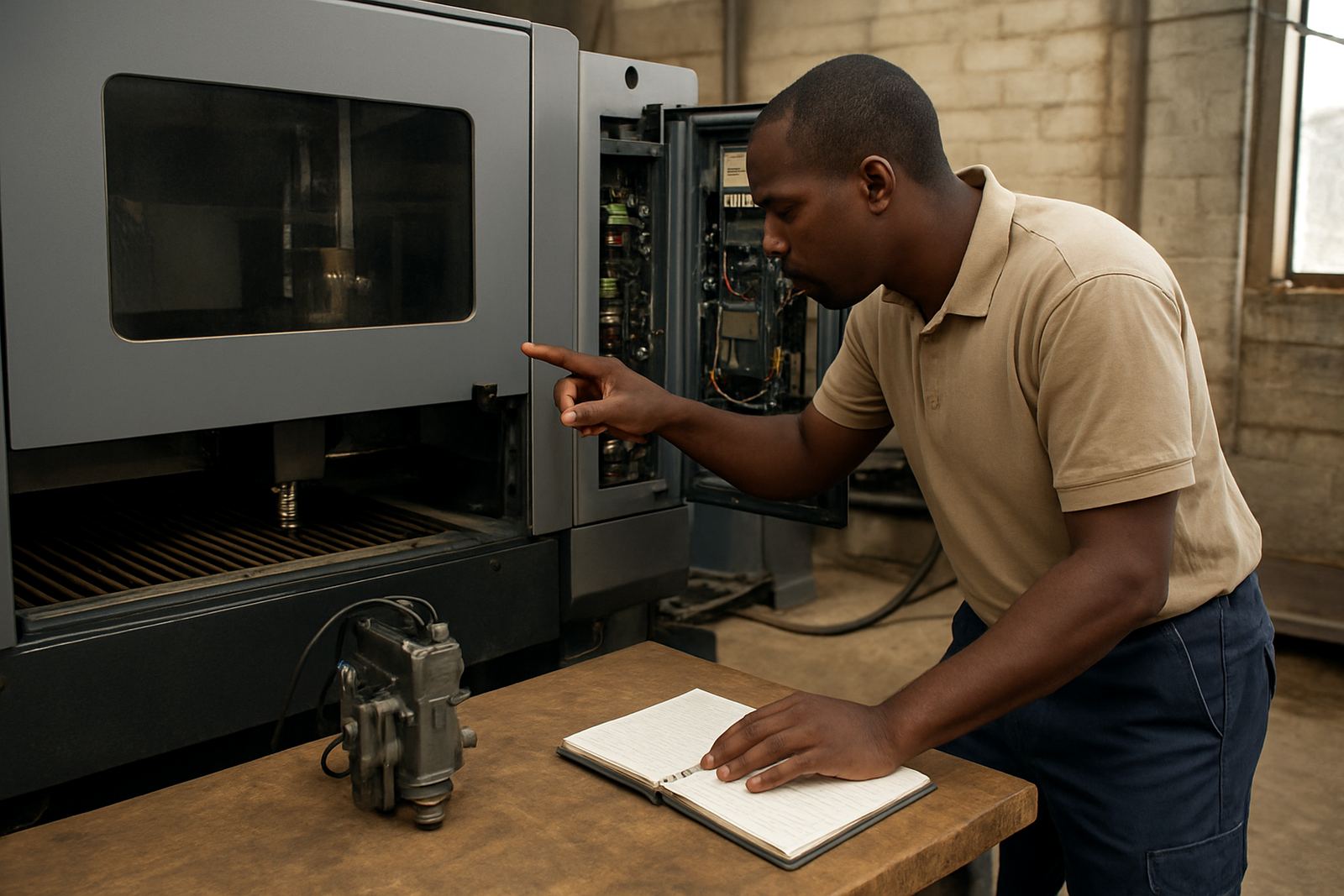
You do not need a complicated system. A clipboard near the laser, a logbook by the control panel or a shared spreadsheet on the office computer can do the job. The important thing is that the same fields are captured every time and the operator knows what to record before the next job starts. Keep it practical and easy to use, otherwise people stop filling it in.
- Date, machine name and shift
- Alarm code or screen message
- Material and thickness being cut
- Any recent maintenance, collision or part change
- Action taken before the machine was put back in use
We also suggest adding one line for the final result, such as “cleaned and running”, “parts replaced”, or “sent for bench repair”. That gives the next technician a quick history and helps spot repeat faults before they become expensive. For plants with more than one shift, it is worth keeping the book in the machine area so the evening crew sees it too.